 Chae-won · Aug 11, 2026
Claude connectors: 3 months of waiting, 4 days to approval

Hi, it's Chae-won.
I've got a piece of news and a story today. News first: 3Min API is now listed in the Claude connector directory. One search inside Claude and you're connected.
But the part I really want to write about is the other one — how long it took to get here, and what that looked like. If you've ever wondered what actually happens when a small team tries to get into an AI platform's directory, our experience might be worth something to you.
What's a connector?
A connector is the link that lets Claude operate an outside service directly. Normally Claude answers from what it already knows. Connect one and it goes a step further — it can actually work with that service.
With 3Min API connected, conversations like this become possible. Ask "build me an API for receiving orders" and Claude creates the endpoint. Ask "were there any failed calls yesterday?" and it pulls the logs and sums them up. No dashboard, just the chat.
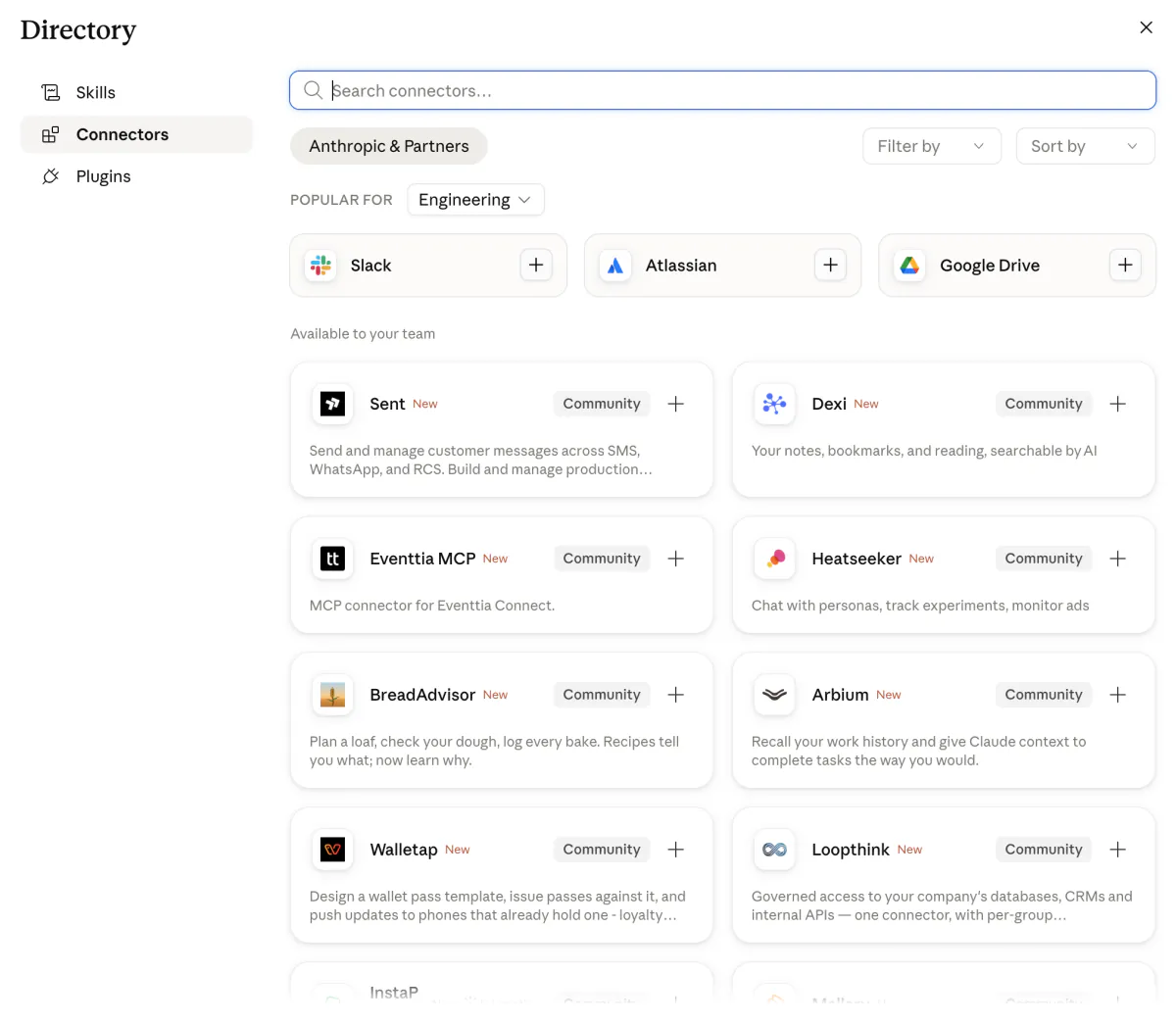
This is the connectors section in Claude's settings. Find 3Min API here and connect.
Under the hood it runs on a standard called MCP (Model Context Protocol). You don't need to know any of that to use it, though. Search, hit connect, sign in with your 3Min API account — that's the whole thing. No API key to generate, nothing to paste anywhere.
So, we waited three months
Here's the part I actually came to tell you.
We applied to ChatGPT and Claude at roughly the same time. Back then the Claude submission channel was a Google Form — you filled in your service description, your MCP server address, some use cases, and sent it off.
We submitted. And then we waited. And kept waiting.
Three months went by with no word at all. No way to tell whether it had been received, whether it was under review, or whether it had already been turned down. The form sent no confirmation email, and there was no page to check status on. Honestly, more than once we decided it had simply been forgotten and moved on.
Then an email arrived: submissions had moved from the Google Form to a Claude portal. Anything sent through the old form needed to be resubmitted there.
Resubmitting, and then four days
Once we were in the portal, submitting turned out to require a Team plan subscription. An individual plan wouldn't let us file at all. So we paid for Team and submitted again. That was the situation in August 2026 — the requirement may have changed since.
And four days later the approval email landed.
After three months of nothing, it felt almost anticlimactic. What we wrote on the application barely differed between the first and second attempt. The one thing that had changed was that the intake channel was working properly.
What the wait taught us
Looking back, nothing was slow because we'd done something wrong. The platform's review process was still finding its feet. That's ordinary in an ecosystem this new.
So if you're preparing something similar, two things.
- No answer doesn't mean no. We had zero signal for three months and still ended up listed. Channels get replaced and reviews restart — it really does happen.
- Don't spend that time only waiting. We used ours to tidy the docs and sharpen the tool descriptions. That's exactly why there was almost nothing left to fix when it came time to resubmit.
Once the listing was confirmed, the docs were the first thing we rewrote. Connecting works completely differently now. It used to mean pasting a server address by hand; today you search the directory and click.
Connecting and trying it out
It's not hard. Open connectors in Claude's settings, search for "3minapi", pick 3Min API, and hit connect. The Claude integration guide walks through it step by step with screenshots, which makes it easier still.
One clarification, since the Team plan came up earlier: that was what we needed to submit a connector. On the using side, it works on every Claude plan, Free included.
If you're curious what the conversations actually look like once you're connected, read Build APIs inside ChatGPT alongside this. It's framed around a wine business scenario, and the tools are the same, so you can follow that scenario on Claude exactly as written.
There's one way Claude is easier, in fact. In ChatGPT you sometimes have to point at the tool with @; with Claude, connect it once and it picks the tool for you. Open a new chat and just ask.
One thing you can try today
You don't need to start big.
Connect 3Min API from Claude's connectors, then ask: "show me my API endpoints."
It's fine if you haven't created any yet — Claude will offer to make one, and you can take the conversation from there.
Getting listed took a while, but connecting is far simpler than it used to be because of it. Try it out, and if something feels off or you wish it did more, write to us at contact@3minapi.com. See you in the next post.
Related Posts
Webhooks, Polling, and Now Tasks — A Third Way to Hand Work to AI
Webhooks and polling both fall short when you ask an AI to run a job that takes a while. Here's why we built Tasks and how they work, explained with the same delivery analogy.
Manage Your APIs with AI: Introducing MCP Support
3Min API now supports MCP — connect your AI assistant to manage endpoints, check logs, and more through natural conversation.
Build APIs Right Inside ChatGPT — 3Min API Has Joined ChatGPT Plugins
3Min API has joined ChatGPT Plugins. Without writing code or renting a server, you can now build, test, and invite collaborators to your APIs from inside your ChatGPT conversations. We walk through what changes — with a small wine business scenario.