 Chae-won · Apr 30, 2026
Build APIs Right Inside ChatGPT — 3Min API Has Joined ChatGPT Plugins
Hi, it's Chae-won.
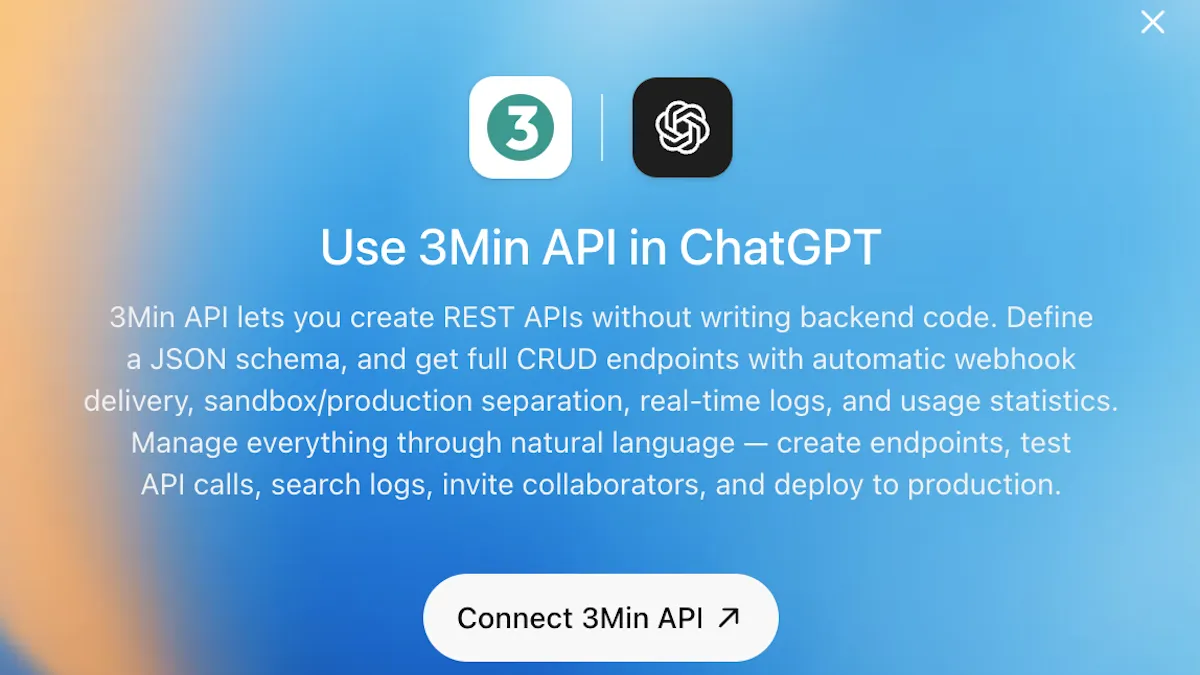
I have happy news to share today. 3Min API has officially joined ChatGPT Plugins. Now, right inside the ChatGPT screen you already use — no extra signup, no switching tools — you can build APIs, test them, and share them with your partners through conversation.
This post is here to answer the "okay, but what does that mean for me?" question in a friendly way. You don't need to be a developer. Let's walk through it with a small scenario.
What is ChatGPT Plugins?
In one line — it's like an app store inside ChatGPT. Just as you install apps on your iPhone or Android phone, in ChatGPT you can add external services as "apps" and use them right within the conversation flow.
Plenty of services are already on ChatGPT Plugins. Design, data, calendars, documents, marketing — tools across nearly every category, and 3Min API now has a spot in there too. Think of it as a shift where ChatGPT's reply doesn't stop at "here's how you could build this" but moves to "I'll set it up for you right now."
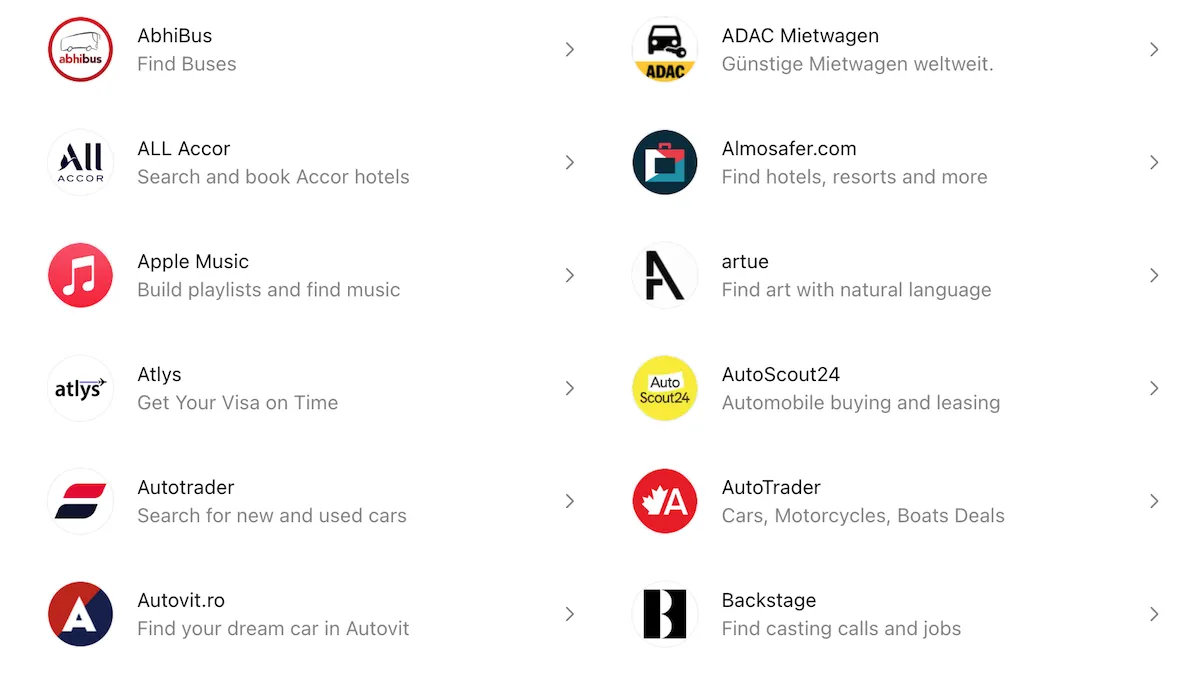
ChatGPT Plugins already has a wide variety of external services on board.
Why didn't we build our own AI chatbot?
We could have put our own chatbot inside 3Min API. But stepping back, our users had already poured their business context into ChatGPT or Claude. If we built yet another chatbot, the same person would have to retell the same story from scratch.
So we changed direction. We add 3Min API as a tool to the AI you're already using. The same ChatGPT you've been talking to about your business worries can now say "I'll set that up in 3Min API for you" and actually get it done.
A story — if you've just started selling wine
Imagine you've just started running a wine sales business. One day a partner reaches out with this request:
"When an order comes up on our side, could you open an API so we can send it over to you automatically?"
At this stage you usually don't have a development team. The answer ChatGPT gives you here looks quite different depending on whether 3Min API has been added or not.
Without 3Min API
ChatGPT helps in general terms — kindly, too.
- "First, design the database" — it tells you which columns you'd need.
- "Then build the API server" — it walks you through choices like Node.js or Python.
- "Then deploy to the cloud" — it compares options like AWS, Google Cloud, and Vercel.
- "You'll need to think about security and auth" — it covers API keys, HTTPS, and key management.
- "If you don't have a dev team, consider outsourcing" — it even gives a rough estimate range.
Everything it says is correct. The trouble is, from the operator's point of view, a one-line request from a partner suddenly turns into a big project. The cost isn't trivial either.
If you ask "what about vibe coding I keep hearing about?" ChatGPT will explain it as "building code by talking with AI." It does feel like something working comes together in an hour or two, but for non-developers, taking that result straight into production is risky. The better the business does, the more dangerous it gets — when traffic spikes or bad data shows up, you have no clear way to respond. The moments your revenue is doing well are the most dangerous.
With 3Min API added to ChatGPT Plugins
Ask the same question and ChatGPT's answer takes a completely different shape. It looks at our tools and guide docs together and gives you a clear sense of what it can actually do for you and what it can't.
- "Let's pin down the order data shape" — it sorts out the fields you want with you in conversation, and creates an endpoint in 3Min API right there.
- "I'll send a test through" — it sends a sample order to the endpoint you just created and shows that it received it correctly. That's a real API call.
- "Let me invite your partner as a collaborator" — it issues a fresh collaboration key and sends an invitation email straight to the partner's address. Following the email, the partner can call the API right away with their own key.
- "Want each order pushed straight into your own system?" — tell it the URL that should receive them and ChatGPT sets the webhook up on the endpoint for you. From then on, every order that arrives is forwarded there as it happens.
An hour passes either way, but the result is different. On one side you've got an outsourcing quote; on the other, an invitation email already sent to your partner and an endpoint you've watched work end-to-end. You didn't rent a server, didn't write a single line of code. A conversation inside ChatGPT moved your business one real step forward.
Adding 3Min API to ChatGPT
It's not hard. Quick rundown:
- Visit ChatGPT Plugins and search for "3Min API".
- Hit Connect on the screen that pops up and sign in with your 3Min API account — that's it.
- From now on, type
@in the conversation and the plugins you've added show up. Pick 3Min API from the list to activate the tools.
Within the same conversation ChatGPT sometimes carries the tool through on its own, but other times it doesn't notice. So especially at first, you'll get the most reliable behavior by explicitly tagging the app with @ each time. Once you're used to the rhythm, the flow comes naturally. For more setup details and screenshots, check the ChatGPT integration guide.
One thing you can try today
You don't need to start big. Here's the lightest first step we'd recommend.
Open ChatGPT, add the 3Min API app, then pick 3Min API with @ and ask "I sell wine and I need an API to receive orders. Where would I start?"
The topic doesn't have to be wine. Café reservations, in-person workshop signups, partner inquiries — pick whichever is closest to your own business. Once you see how ChatGPT answers with our tools in hand, what to try next will come to you naturally.
In the next post, we'll go end to end with ChatGPT in one go. We'll walk through creating an API from scratch, automatically piling incoming orders into a Google Sheet, and getting real-time alerts on Slack or Discord — all in a single sitting.
In the meantime, give it a try and if anything feels off or missing, drop us a line at contact@3minapi.com. See you in the next post.
Related Posts
Claude connectors: 3 months of waiting, 4 days to approval
3Min API is now in the Claude connector directory. An honest account of a Google Form, three months of silence, and four days to approval. Connect on any plan.
Building a ChatGPT App with the Apps SDK: MCP, OAuth, and Notes from Submission
How we built and submitted 3Min API as a ChatGPT App. We picked the standard MCP SDK only (no OpenAI-specific wrapper), implemented OAuth 2.1 (RFC 7591/8414/9728) plus an API Key path for CLI tools, and learned to mark destructiveHint/openWorldHint conservatively after one rejection. The same code covers Claude Connectors as well.
Manage Your APIs with AI: Introducing MCP Support
3Min API now supports MCP — connect your AI assistant to manage endpoints, check logs, and more through natural conversation.